For the last few days I’ve been working on textures for some of my models. I wont’ be showing all of them here, as many of them have just simple tillable texture applied to them, but I will show those that I’ve spend some more time on it.
Bulb Box Texture
Mug Texture
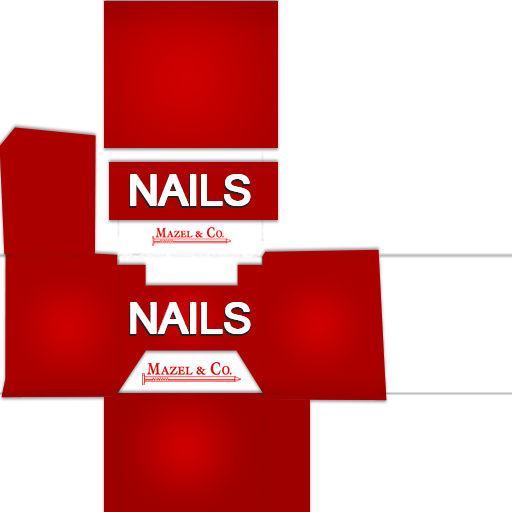
Nails Box Texture
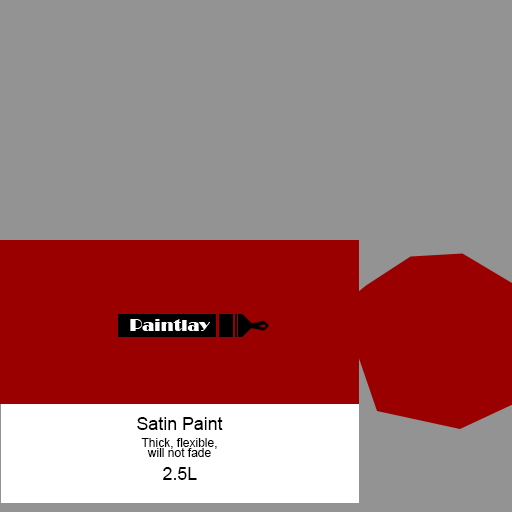
Paint Can Texture
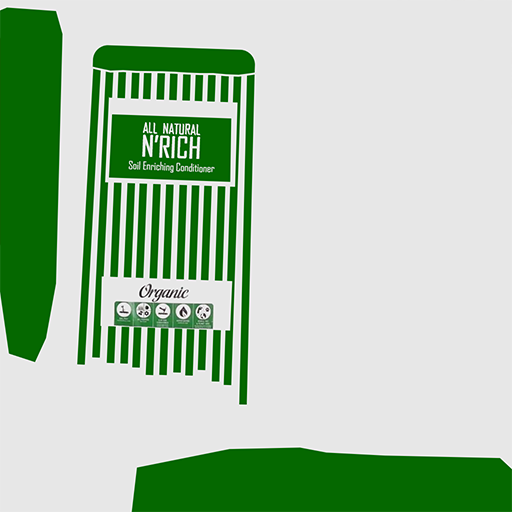
Soil Textures
All of those textures are not as complicated as it seams, and had a clear UV layouts. Most of them were assets created for the shed, so not much work done for the lab interior this time.
I have been playing a multiplayer shooter game called Apex Legends for a while now and I was so excited when the season 2 was announced back in the day. I was expecting to be pleased with the amount of upgrades and new features, but I’ve never imagine changes to the actual level that was already in a game. I don’t think I’ve seen something similar before (but I may be uninformed) and I found it really intriguing as an environment artist.
Apex Legends Season 2 – Battle Charge Launch Trailer
From the main trailer of the 2nd season the players can spot the differences immediately. The huge dinosaur/dragon creature that was before roaming in the background have now been placed in the centre of the map allowing players to walk around it. To be hones, it was my main focus, as I’m planning to have a similar huge dinosaur in a centre of my own map. It’s not a huge connection, but worth checking out the animations and other technical aspects of having such a central focus point in an environment.
The dragon-like creatures are now placed in cages around the level for the players to interact with. This is also an interesting addition to the environment itself – the interactivity. It’s usually mostly based on the interactions between characters or NPCs (which in this case is also true), but it adds a lot to the mood and general play-ability of a level.
Those changes are the most visible at first, but there are many more changes to the environment in general. Several areas have been redesigned as some landmarks have been destroyed, the new ones have been added. I don’t think it’s usual for such games to change their environments on such a scale. It’s very interesting from both point of views (player and developer) and have inspired me to try something similar in the future. I may pick my old work (or maybe someone else’s with a permission), and partly redesign it. This can be an interesting future project.
Today I was working on another room, which is conference room. I’ve decided to place it right on the side of the main hall, so the ceiling triangles will be the windows for the actual room. It was very tricky to get the right shapes that will allow me to have doors on them (the faces of triangles weren’t straight, so I had to edit them). It’s also hard to block this type of room on the interior view. The windows were definitely one of the hardest things to make so far for the building creation of my lab.
Conference Room (Tris: 521)
Form this perspective the room looks like two tents, but it works pretty well with the ceiling and the entire idea of having a side by side rooms.
I’ve also already created some assets to fill the room with:
Conference Table (Tris: 92) with chairs (Tris: 114)
The idea came from the actual ceiling that I’ve already made, so to keep the general shape of the triangles, I’ve decided to work on that and add it to my interior assets as well. It may not be visible at first glance, but those furniture fits the interior perfectly.
Tablet (Tris: 382)
I’ve decided that one of the rooms will be nice and clear, but the other one will have some blood and minor destroyed parts. Because of that I’ve made several version of destroyed objects.
I’ve decided that I don’t want to go for a really low poly models of a server room, so I’ve went for the modular design instead. To be able to customise every single server part, I’ve done several different parts that will go inside the ‘box’ of the server rooms cabinets.
I’ve ended up with 5 different parts and I believe this should be enough to break the repetitiveness and add a variety to the same type of the assets.
Server Room Parts and modular design
Most of the parts will have a flashing lights material applied, to suggest that they are an connected and working electronic devices. This should also add some small movement to the static environment.
I don’t think there is any point of posting any more gantt chart images in here, as I’m currently way behind the scheduled plan and I’ll never catch up to the premade plans. Nothing so far was made on time and because of several illnesses, I have huge delays in every aspect of my work creation.
From now on I’ll be posting plans for the upcoming weeks without considering the gant chart in general. I have to work to my very best speed in order to finish as much as I can on time. This means changing plans and freely updating them in real time depending on what I’ve been able to finish during a specific week.
Right now I’ll continue working on more lab assets and interior design. I’m also planning to use some assets from the marketplace in order to fill the gaps in areas that I don’t have the time to properly focus on.
For the last two days I’ve been working on creating the base building parts for my lab. It resulted in having several different assets that will be placed in the level at the end.
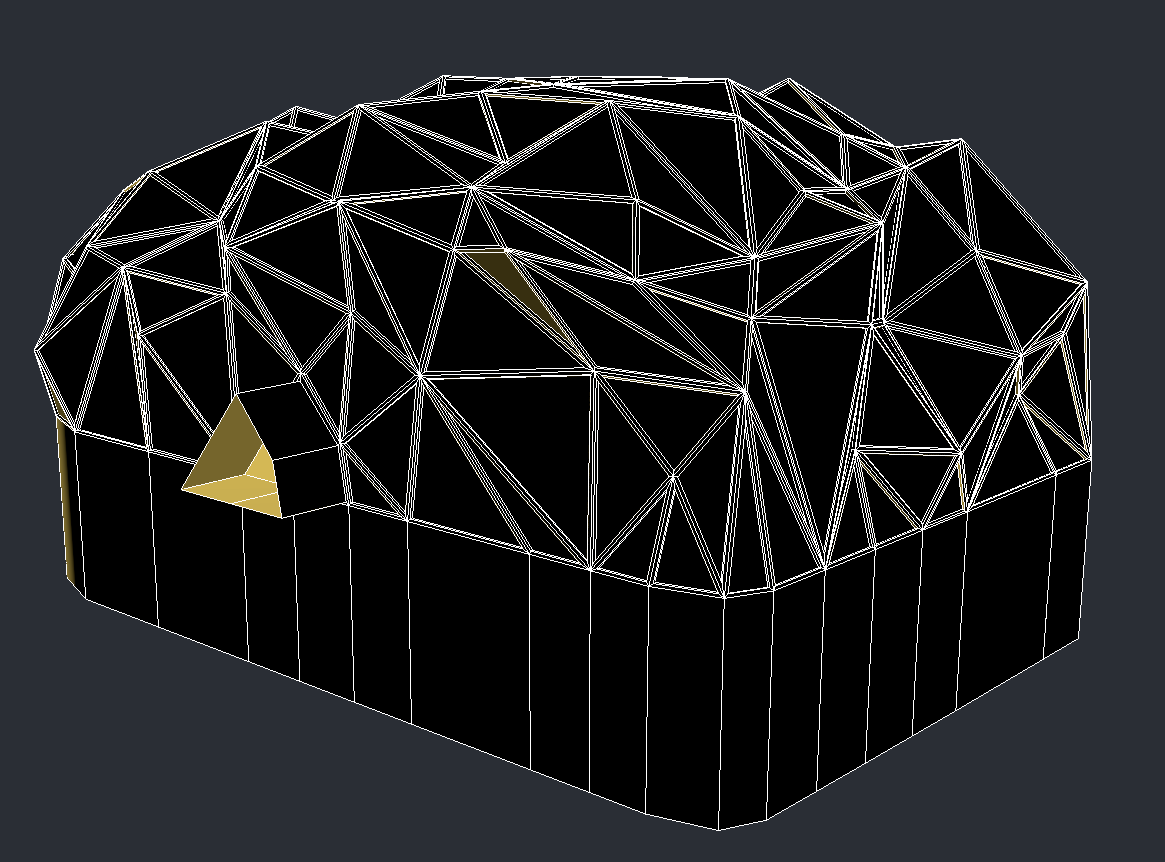
The ceiling of the main hall (Tris: 3445)
Top Level Floor (Tris: 2848)Bottom Level Floor with working stations (Tris: 1416)Server Room (Tris: 358)Server Room Floor with stairs (Tris: 1478)
All of these assets were constantly placed inside the UE to see how the scale and how it all work together and going back to the 3Ds Max to make any changes.
I have also created some assets that may not necessarily end up in a level. I’m still not sure do I like the result or not, so I will rethink the use of them in the near future.
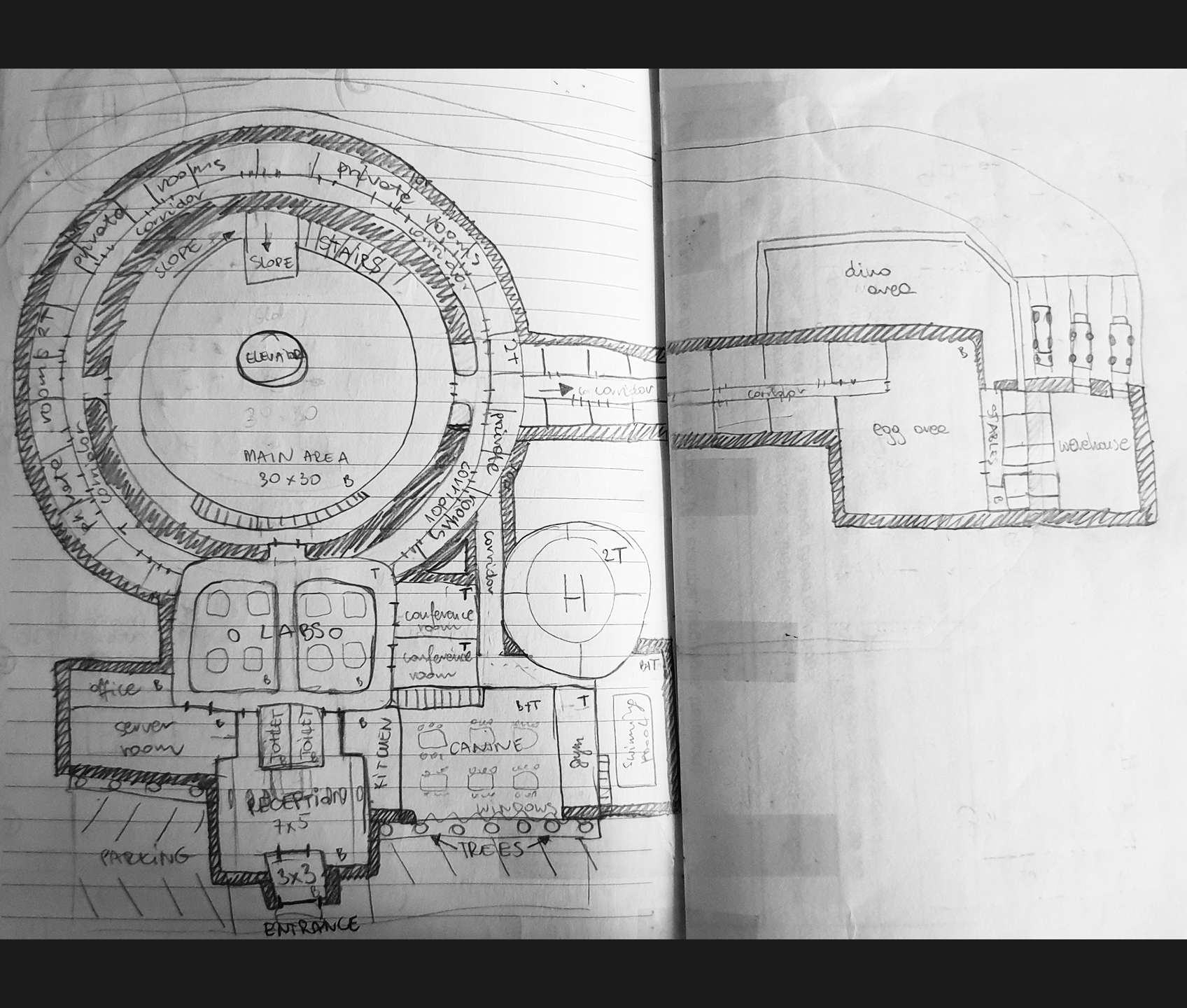
Today I’ve draw a quick top view of a laboratory that I want to have in my level. Some of the areas won’t be as detailed as others and will be only visible from the distance on through the windows, so there won’t be as much work to be done to those places. I’ve sketched a huge interior with two main levels. This may be hard to achieve in the time left for this project, but I’ve several interesting ideas for the interior design already.
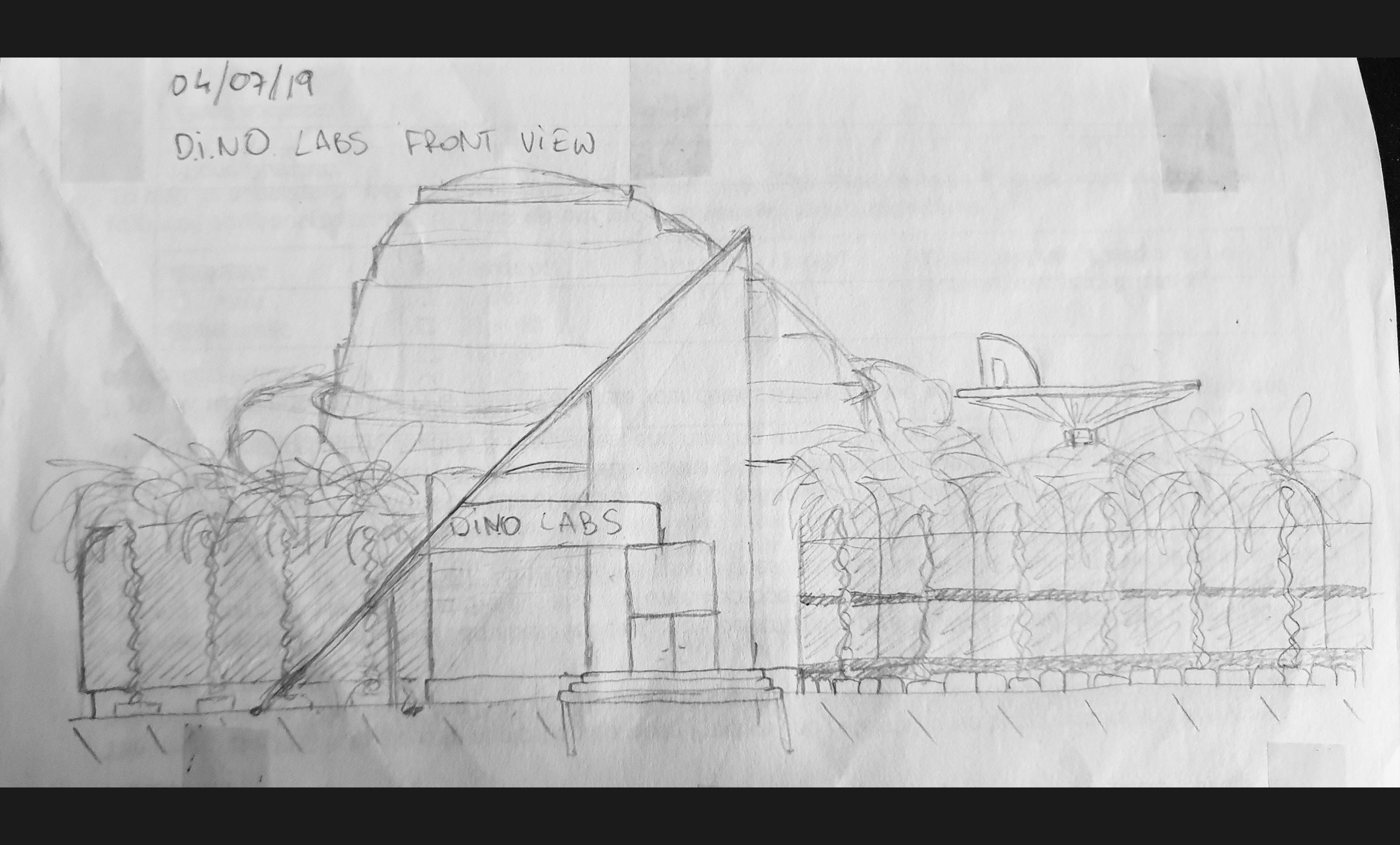
I know that this image isn’t the best quality, but it’s quite clearly visible what I want to implement into my lab. It’s a huge living space, with many different type of rooms created for the employees to work and relax after the working hours. I’ve also designed a front look to know what to expect from my own design to looks like while player will approach it at the main gate.
At this time I also know that I probably won’t be able to recreate the entire plan, but I’ll try to do my best in the time left for the project. I will start with several rooms first and then populate them with assets with textures untill I’ll move to the next room. This way I should be able to finish as much as I can without being left with nice parts that doesn’t fit anywhere in the level.
I’ve been working on creating more assets. The result is satisfactory as I’ve manged to have several new ones that are connected to dinosaur eggs. I’ve decided that general lab assets may not be good enough to get the connection of what my level is all about, so creating the assets around the idea of experimenting on dinosaurs felt right.
Dinosaur egg in incubator or containerEgg Incubator with shelves (Tris: 418, 12244)
The next step will be to actually produce the actual room shapes and interior main points, as I’ve produced some assets that need a proper space to occupy.
This time I was working hard on some most important assets for the labs, which are desks, screens and lamp.
Lab Desk 1 (Front & Back; Tris: 440)
Lab Desk 2 (Tris: 1341)
I’ve made two slightly different desks, that will be placed all over the labs. They are different length and have different purposes: office desk and working area desk. The second one is much more detailed and has a sink on the side as many labs usually have.
Old Screen vs. New Lab Screen (Tris: 400, 480)
I’m really happy with the design of this screen. It is similar to the old one, that I’ve used in a shed, but looks much more modern and futuristic. It’s also curved as the new technology right now, and really slim.
I’ve already created materials for both of those assets and decided on some of their main features (touch screen desk).
I will be adding some liquid splashes as decals to those desks, to make them used and not as clear as they are now. The final materials are still not made (the black is basically placed everywhere).
Screen Material in UE4.
The last thing I’ve made today was the floor lamp. I wanted it to looks like a DNA chain, but I think I may edit it a little bit more (add several horizontal lines between those outlines).
Lab Floor Lamp (Tris: 1228)
If I’ll decide to make it a big asset (which I’m considering right now), I may actually turbosmooth those curves to get a much smoother effect, but so far I’m not gonna change it. It will be roughly a human size, so I guess it should looks smooth enough.








 Raptor's Rage