DINO!

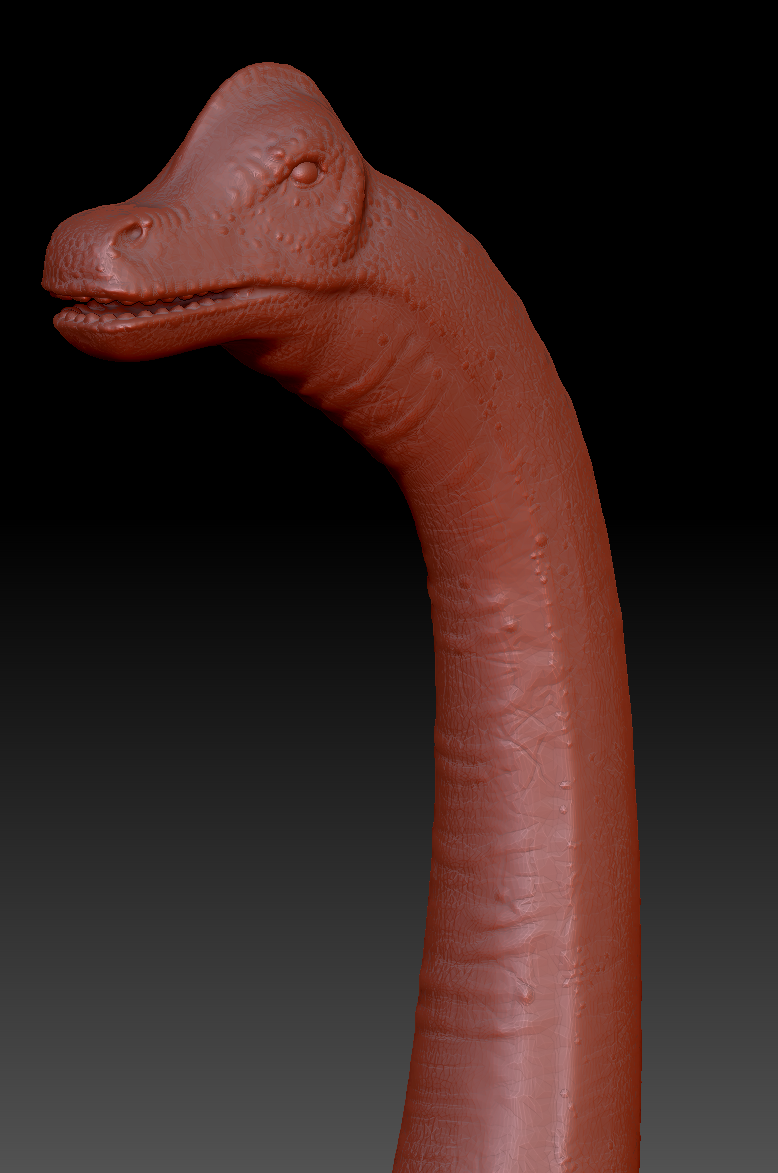
I’ve decided that at this moment I really need to have a dinosaur in my level. I’ve been using ZBrush before, but this time I’ve decided to create a base for the design inside the 3DS Max and then move into adding more details in this software. I find this way easier and quicker to get to the final wanted shape.

I was working on it for two days and finally finished it with the details that I think will looks great in the final scene. The dinosaur would be huge, so the details of the head won’t be as visible to the player, but I’ve decided that I still want to work on it a little bit.

Finished Dinosaur in ZBrush
Dinosaur Head

I am really happy with the result, as I haven’t work on creature design for a long time. This is a satisfactory result as for someone who had to remind myself of how to use this software. The next step will be to retopology this mesh using a ZBrush tool, bake it down with Substance Painter and rig and animate it at the end. I hope that the other parts of it will go as smooth as this one.

Old fashion Palm Trees

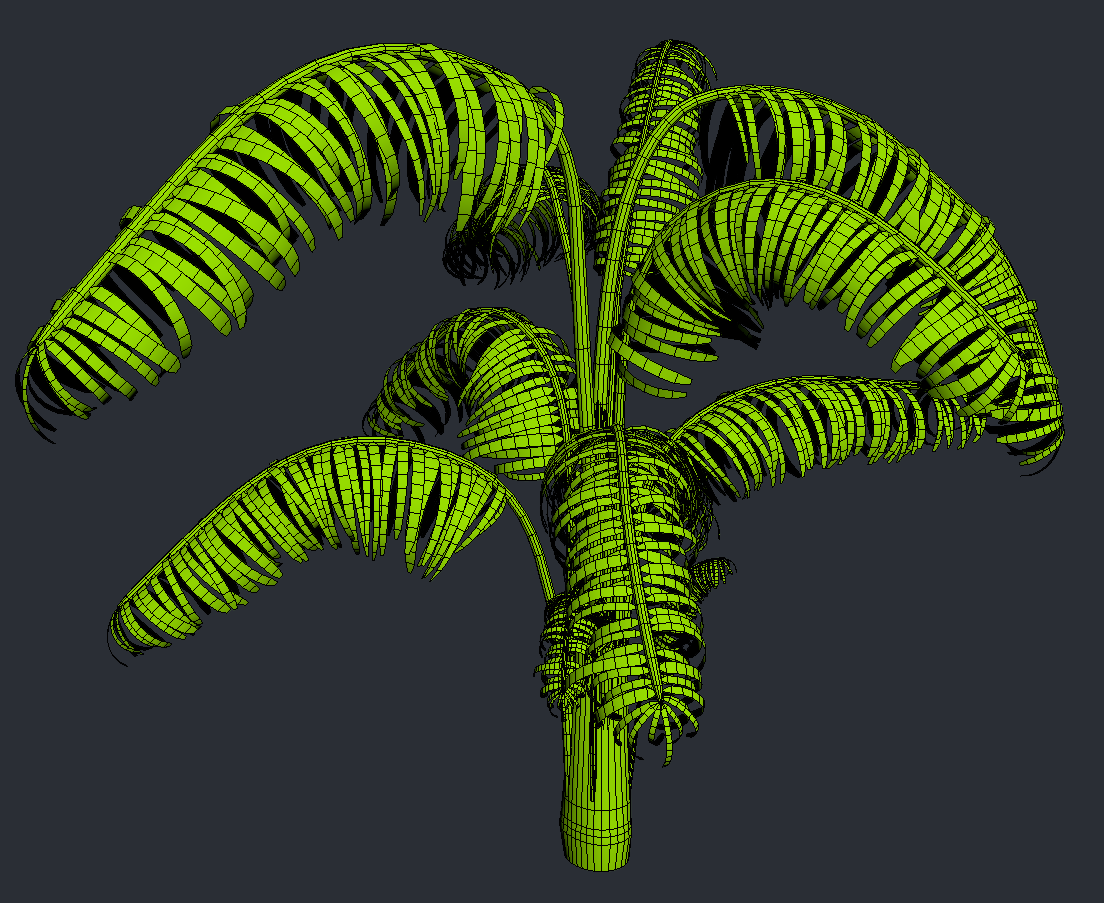
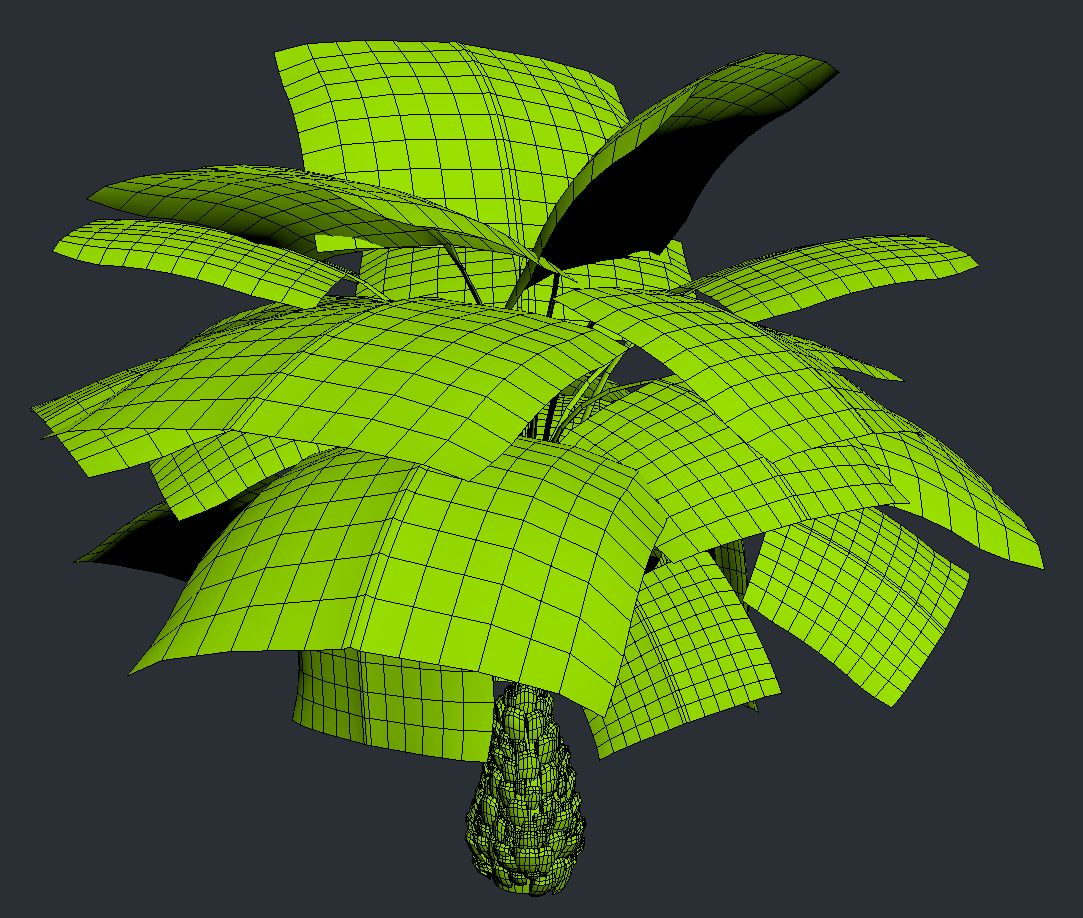
After considering the SpeedTree as a main software to create my foliage, I’ve been thinking about it for a while. I’ve eventually decided to make my trees an old fashion way – model them from a scratch. I don’t have enough time to learn a new software and experiment with it with unknown results. I’ve been working on my smaller trees just for two days, so I don’t think I could get this result with the software in such a short time. However, the small tress are not all the plants that I want to create for this project, so I’ll have to make more another time. So far this is looking good as it is.

I know that I should probably baking the second tree down to the low polygon shapes, but I’ve done some quick research to find out that the current tree limits are way above mine, so I’ll be fine.

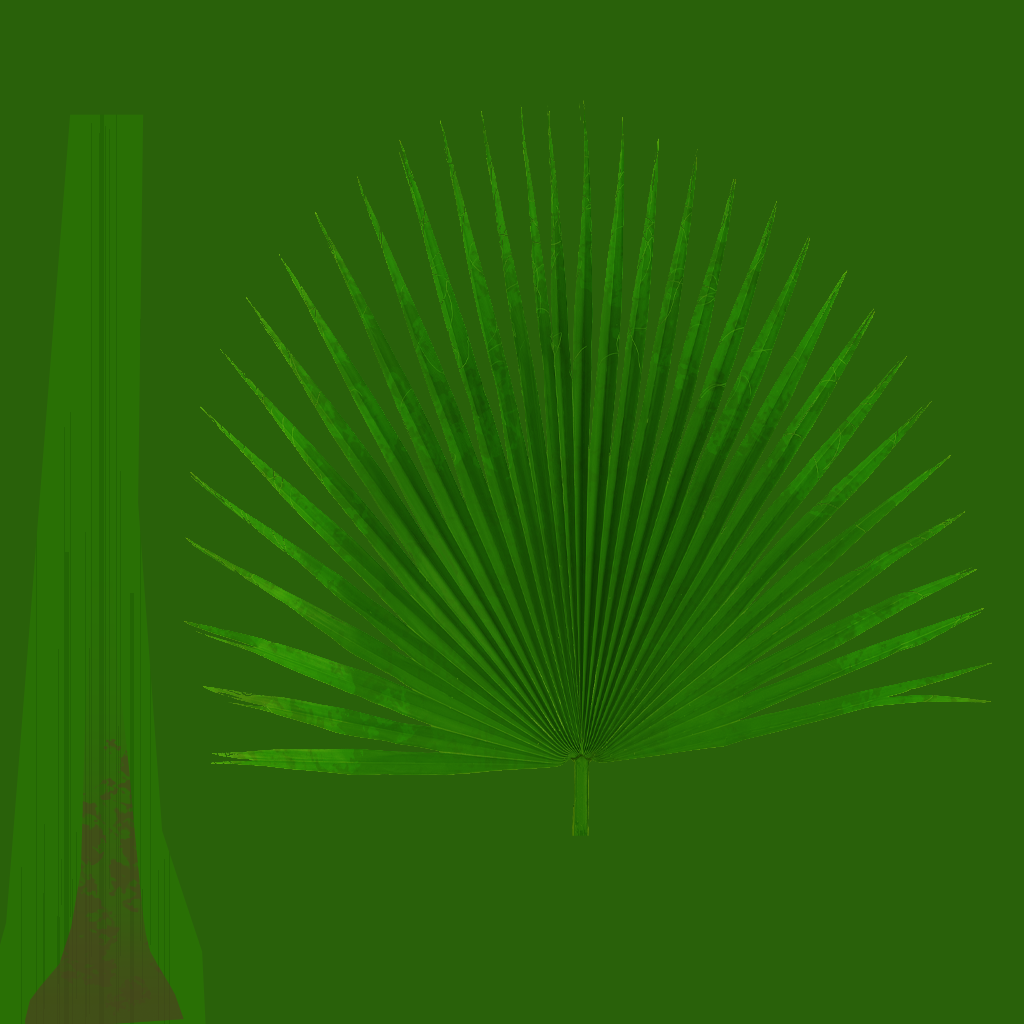
I’ve also already started working on the textures for the leaves. I’m using alpha channels to be able to get the final shape.

I’ve also made a normal map out of this texture, to get some more details onto the final leaves in UE.

SpeedTree 8.4 for realistic foliage!

I know that the software itself probably isn’t the newest discovery, but SpeedTree is getting better and better with every new version available. The software very quickly become a ‘favourite’ or a ‘must have’ for many environment artists and become the industry standard for the creation of vegetation in video games and other media, so why not have a closer look…

The latest version 8.4 has several new features. The best update is that it’s now using PBR materials that are nicely blended into the software itself. They allow to easily change colours, hue and other texture settings inside the software. This speeds up the process of creating the textures and gave an instant result that can be tweak in no time.

Speaking of which, the preview itself had an update in speed. It’s now working faster even with the high density and high resolution textures. It also works much better with the newest and most exciting update to the wind system!

Wind is an important aspect of every foliage as it gives the illusion of realism. Now SpeedTree is capable of creating a one-draw-call wind algorithm which gives much more natural feel. If that’s still not enough, you can even add bones to the trees and work on the custom animations!

Another very exciting addition is a Cutout Editor, that allows the used to make their own leaves or twigs fast and easy, inside the software.

At the end it’s also important to mention a huge variety of premade trees, bushes and plants on their marketplace website. The library is vast and vary from different types of foliage, that then can be manipulated to our own needs.

I’m a huge fan of this software and I’m planning to use it in the near future. My project is going to be heavily packed with different type of foliage, so SpeedTree is a great software that I have considered to use. However, I’ve barely used it before, so I may not have enough time to learn all the new features and produce substantial amount of foliage on time, considering where I am at with my project at the moment. I know that working with SpeedTree is speeding up the process of creating vegetation, but for the inexperienced used as me, can also be very addictive.


Kat, (2019), [online] SpeedTree 8.4 and New Trees, SpeedTree, Availiable at: https://store.speedtree.com/whats-new-in-v8-4-0/ , [Accessed: 15 Jul. 2019]

Still catching up…

I’ve spent this week on catching up with texture and material creation as well as more lab assets production. I still have lots to do until I could be even slightly satisfied with my work. I’m also still working on lab assets as well as terrain. The next week I’ll spend on populating the outdoor area with plants and vegetation. I really need to speed everything up and now I’m getting really stressed that I won’t be able to finish on time. I’ll have to focus on the areas that need my attention the most (TERRAIN!) to be able to get something fully finished before the deadline. The nicely made terrain will finally tide up everything together as I will be able to see what areas need an urgent focus. This will be my next step in my projec and I hope it will change a lot in my current stage.

Water? Or Rain?

Water plays an important role in many environments in modern games. In a form of a rain it appears in many open world locations, affecting the mood and adds an interesting overall effect. Sometimes the world have multiple weather conditions, that may affect level design, textures, the reactions of the NPCs or other more or lest important factors of the game. The rainfall is usually not constant and affected by the wind and physics (bounces off other objects, covers them with water, slides down from the windows etc.). But how well can designers recreate the actual reality of falling water?

15 Best Water Effects In Video Games 

Many different developers have their own way of creating a realistic effect of a rain. I’ve found a great article about that topic, that helped me orientate in the complexity of creating a rain in a game.

How developers make perfect rain in games

I’ve been planing to implement rain into my own project, but because I’m not as advanced in technical parts of UE, I’ve decided that I won’t have this effect in my work. It require further knowledge which I don’t posses and have no access to at the moment, so it will be really hard for me to be able to recreate a similar effect.


Nelson Jr. X., (2018), ‘How developers make perfect rain in games’, Avaliable at: https://www.pcgamer.com/how-developers-make-perfect-rain-in-games/ [Accessed:14 Jul 2019]

Textures

For the last few days I’ve been working on textures for some of my models. I wont’ be showing all of them here, as many of them have just simple tillable texture applied to them, but I will show those that I’ve spend some more time on it.

Bulb Box Texture
Mug Texture
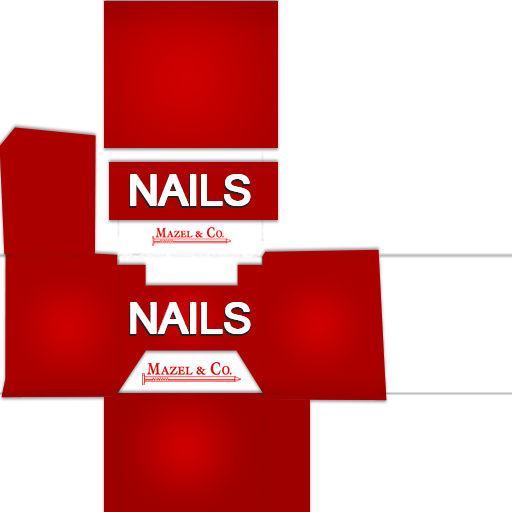
Nails Box Texture
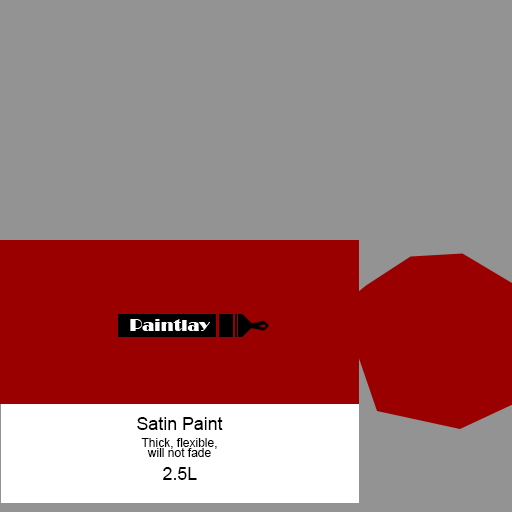
Paint Can Texture
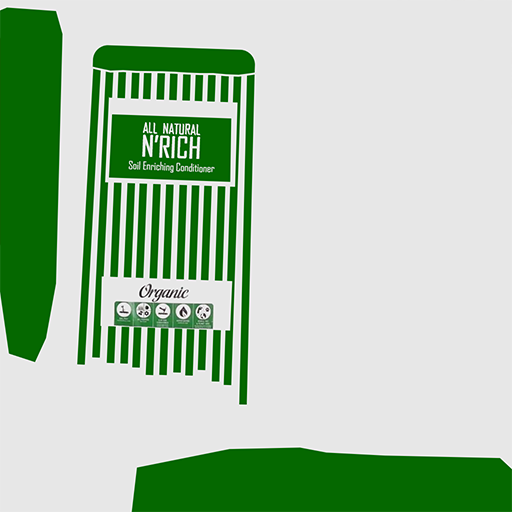
Soil Textures

All of those textures are not as complicated as it seams, and had a clear UV layouts. Most of them were assets created for the shed, so not much work done for the lab interior this time.

Changes to the Multiplayer Level Designs

I have been playing a multiplayer shooter game called Apex Legends for a while now and I was so excited when the season 2 was announced back in the day. I was expecting to be pleased with the amount of upgrades and new features, but I’ve never imagine changes to the actual level that was already in a game. I don’t think I’ve seen something similar before (but I may be uninformed) and I found it really intriguing as an environment artist.

Apex Legends Season 2 – Battle Charge Launch Trailer

From the main trailer of the 2nd season the players can spot the differences immediately. The huge dinosaur/dragon creature that was before roaming in the background have now been placed in the centre of the map allowing players to walk around it. To be hones, it was my main focus, as I’m planning to have a similar huge dinosaur in a centre of my own map. It’s not a huge connection, but worth checking out the animations and other technical aspects of having such a central focus point in an environment.

The dragon-like creatures are now placed in cages around the level for the players to interact with. This is also an interesting addition to the environment itself – the interactivity. It’s usually mostly based on the interactions between characters or NPCs (which in this case is also true), but it adds a lot to the mood and general play-ability of a level.

Those changes are the most visible at first, but there are many more changes to the environment in general. Several areas have been redesigned as some landmarks have been destroyed, the new ones have been added. I don’t think it’s usual for such games to change their environments on such a scale. It’s very interesting from both point of views (player and developer) and have inspired me to try something similar in the future. I may pick my old work (or maybe someone else’s with a permission), and partly redesign it. This can be an interesting future project.


Apex Legends, 27 Jun 2019, [online video] ‘Apex Legends Season 2 – Battle Charge Launch Trailer’, Availiable at: https://www.youtube.com/watch?v=ThSKocfe5QE [Accessed: 10 Jul. 2019]

Conference Room

Today I was working on another room, which is conference room. I’ve decided to place it right on the side of the main hall, so the ceiling triangles will be the windows for the actual room. It was very tricky to get the right shapes that will allow me to have doors on them (the faces of triangles weren’t straight, so I had to edit them). It’s also hard to block this type of room on the interior view. The windows were definitely one of the hardest things to make so far for the building creation of my lab.

Conference Room (Tris: 521)

Form this perspective the room looks like two tents, but it works pretty well with the ceiling and the entire idea of having a side by side rooms.

I’ve also already created some assets to fill the room with:

Conference Table (Tris: 92) with chairs (Tris: 114)

The idea came from the actual ceiling that I’ve already made, so to keep the general shape of the triangles, I’ve decided to work on that and add it to my interior assets as well. It may not be visible at first glance, but those furniture fits the interior perfectly.

Tablet (Tris: 382)

I’ve decided that one of the rooms will be nice and clear, but the other one will have some blood and minor destroyed parts. Because of that I’ve made several version of destroyed objects.

The mug (Tris: 728) and the broken iterations
Broken Table (Tris: 204)
Broken Chair (Tris: 192)

Serverrr Room

I’ve decided that I don’t want to go for a really low poly models of a server room, so I’ve went for the modular design instead. To be able to customise every single server part, I’ve done several different parts that will go inside the ‘box’ of the server rooms cabinets.

I’ve ended up with 5 different parts and I believe this should be enough to break the repetitiveness and add a variety to the same type of the assets.

Server Room Parts and modular design

Most of the parts will have a flashing lights material applied, to suggest that they are an connected and working electronic devices. This should also add some small movement to the static environment.

Falling behind…

I don’t think there is any point of posting any more gantt chart images in here, as I’m currently way behind the scheduled plan and I’ll never catch up to the premade plans. Nothing so far was made on time and because of several illnesses, I have huge delays in every aspect of my work creation.

From now on I’ll be posting plans for the upcoming weeks without considering the gant chart in general. I have to work to my very best speed in order to finish as much as I can on time. This means changing plans and freely updating them in real time depending on what I’ve been able to finish during a specific week.

Right now I’ll continue working on more lab assets and interior design. I’m also planning to use some assets from the marketplace in order to fill the gaps in areas that I don’t have the time to properly focus on.